
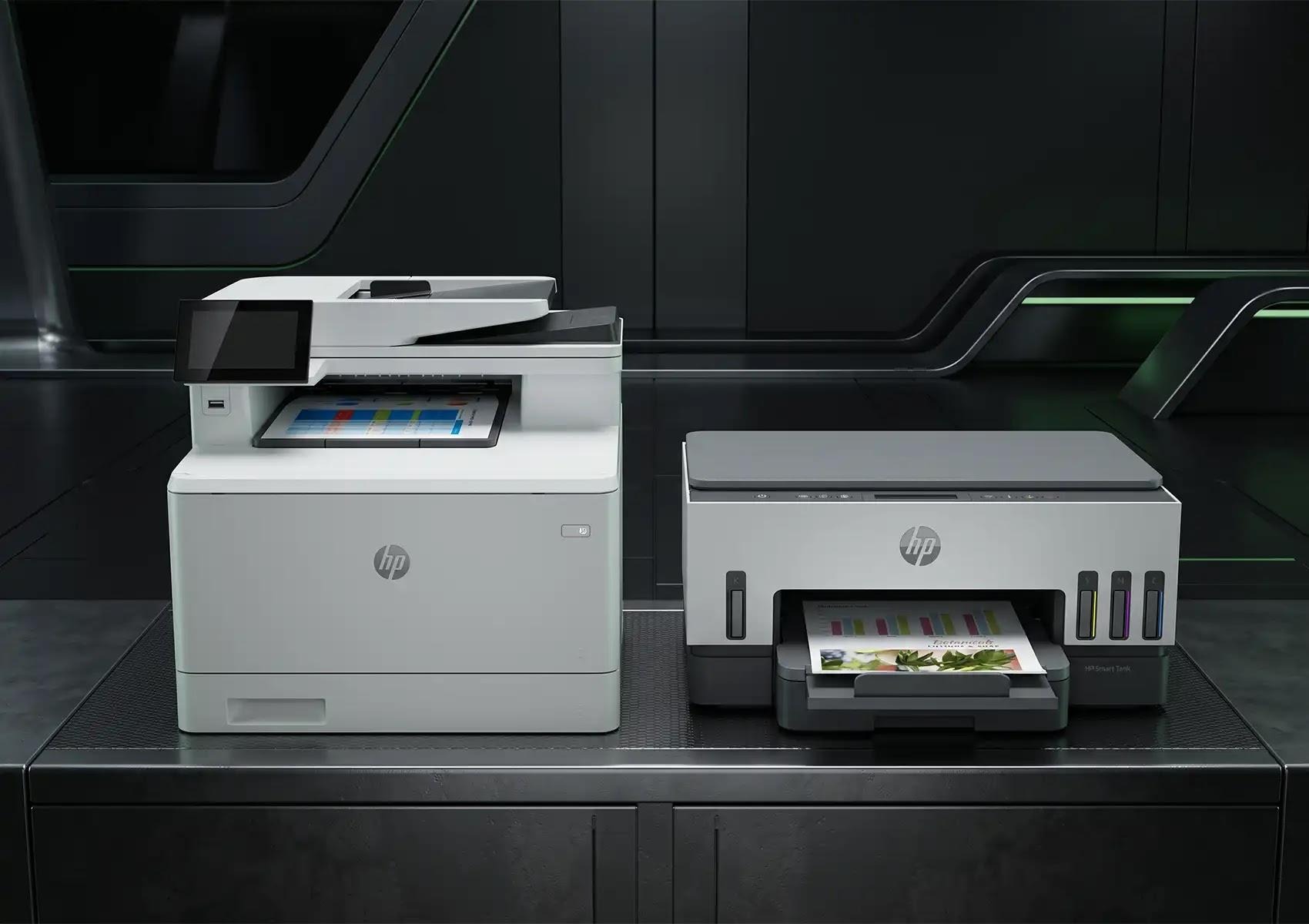
Choosing between an inkjet and a laser printer may seem like a small decision, but it can shape how an office actually runs. The difference between inkjet and laser printer technologies affects print quality, running costs, speed, and the amount of attention a device demands over its working life.
For organisations across Western Australia weighing up a new fleet or a single replacement unit, understanding how these two technologies work often separates hardware that quietly does its job from hardware that keeps interrupting it.
Neither option is better in every situation. The right choice depends on what an office prints, how often, and what it expects the device to handle over time.
Understanding How Printing Technologies Operate
Before comparing outcomes, it helps to understand what happens inside each machine, because the engineering explains almost every practical difference that follows.
Fluid Ink Deposition in Inkjet Devices
Inkjet printers fire microscopic droplets of liquid ink through tiny nozzles onto the page. This method blends colours smoothly and handles photographic detail well, which is why inkjets have long been favoured for image-heavy work. The trade-off sits in the liquid itself. When an inkjet is used infrequently, unused ink can dry and clog the print heads, leading to faded output or the need for cleaning cycles.
Electrostatic Toner Fusion in Laser Devices
Laser printers operate very differently. A laser beam creates an electrostatic image on a drum unit, which attracts dry toner powder in the shape of the page. Heat then fuses the toner permanently to the paper fibres. Because the process uses dry toner rather than liquid ink, laser printers are effectively immune to drying out, making them particularly dependable in offices where printing happens in bursts rather than as a continuous workflow.
Print Quality and Document Characteristics
The way each technology lays down ink or toner is clearly visible on the finished page, and the gap becomes obvious under close inspection.
Text Crispness and Edge Definition
Laser printing produces sharp, high-contrast text with clean edges, which suits contracts, reports, and everyday business documents. Inkjet characters can show slight feathering or edge roughness on standard office paper, particularly at smaller font sizes, though quality improves noticeably on coated stock.
Media Flexibility and Graphics Handling
Inkjets hold an advantage when variety matters. They accommodate different paper weights, glossy photo media, and larger formats such as A3, making them useful for marketing collateral and colour-rich material. Laser devices, by contrast, excel at fast, uniform text output on standard business paper.
Performance, Print Speed, and Office Workflows
Speed sits at the centre of most office frustration, and the two technologies behave differently once volume climbs.
First Page Out Time and Warm Up Cycles
Inkjet printers begin printing almost instantly because there are no heating components to warm up. Laser devices need a brief warm-up period for the fuser unit before the first page appears, though this delay is short on modern hardware.
Page Per Minute Rates and High Volume Jobs
For sustained work, laser printing pulls ahead. Laser devices hold consistent speeds regardless of page coverage or graphic complexity, and high-volume monochrome laser printing delivers rapid throughput for bulk administrative tasks. This is where the difference between inkjet and laser printer really shows in a busy office.
Total Cost of Ownership and Consumables
Purchase price is only the opening figure. The real cost of a printer reveals itself across months of use.
Upfront Purchase Price Versus Yield Costs
Low-cost inkjet printers often carry a high per-page replacement cost because standard cartridges yield relatively few pages. High-capacity laser toner cartridges cost more upfront but deliver far higher page yields, which usually lowers the cost per page over time in document-heavy settings.
Maintenance Components and Power Consumption
Laser systems include serviceable parts such as fusers, drums, and transfer belts that need to be replaced over the device’s life. Refillable ink tank systems have narrowed the gap for colour work, offering low running costs without the thermal components that a laser relies on, resulting in lower power draw during operation.
Selecting the Right Device for Western Australian Workplaces
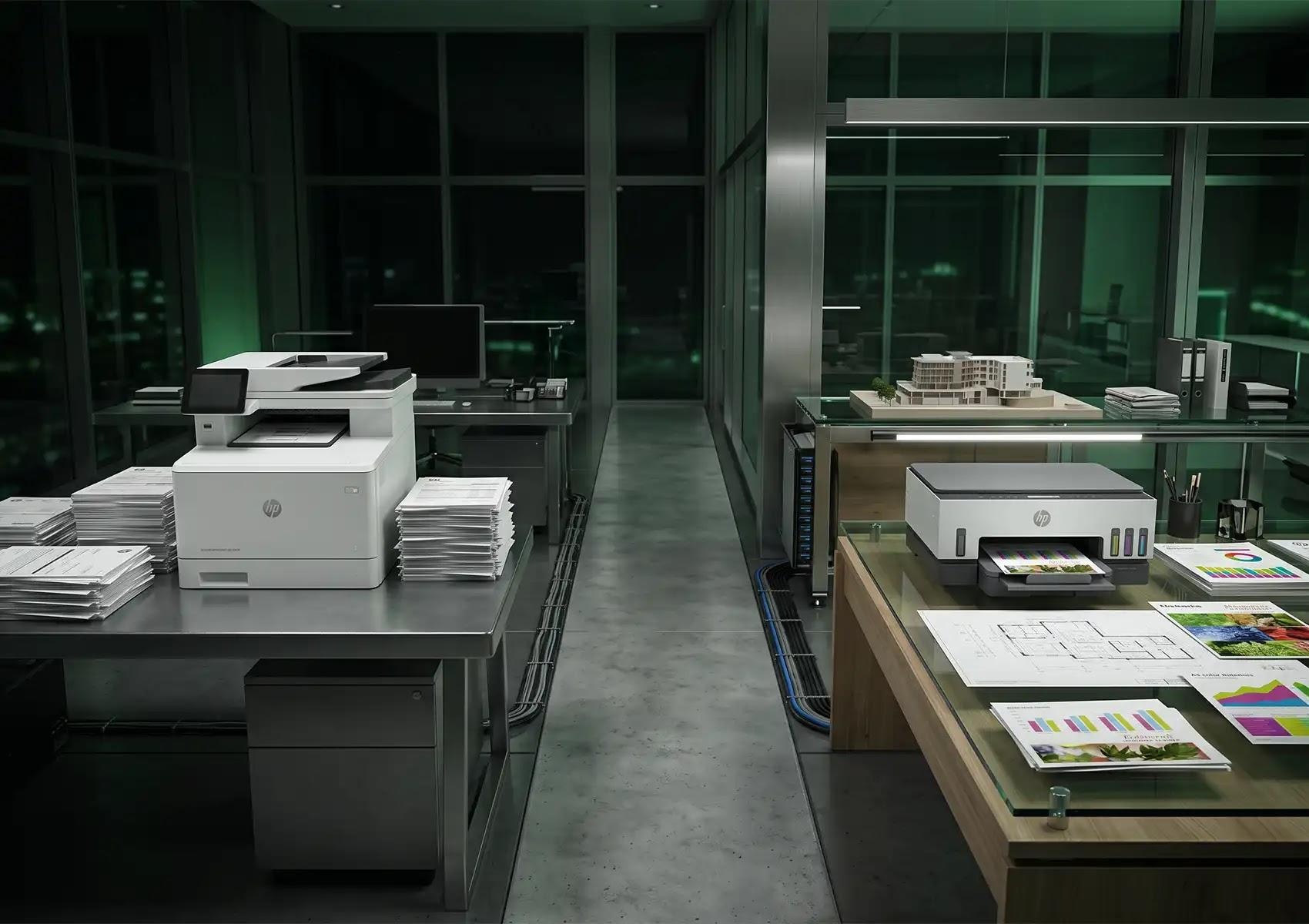
The clearest way to choose is to match the technology to the work rather than to a headline feature.
Scenarios Best Suited for Laser Technology
Laser printers suit document-heavy offices producing high volumes of monochrome reports and contracts. They also perform well in intermittent-printing environments, where dry toner means the device is ready whenever needed, without cleaning cycles or downtime.
Scenarios Best Suited for Inkjet Technology
Inkjet technology fits teams that need versatile colour media, marketing material, or affordable A3 output and scanning. High-yield ink tank models are a strong option for modern, flexible offices that want colour capability without steep running costs.
Optimising Print Infrastructure Across Western Australia
Selecting the right technology is only the beginning. Maintaining a stable print environment over time depends on how the wider fleet is planned and supported.
Aligning Hardware Selection with Workflow Needs
Matching print volume to hardware capability prevents both premature wear and inflated running costs. A device pushed beyond its intended workload fails early, while an oversized machine ties up budget that could sit elsewhere. Structuring secure print environments that support local and remote operations keeps output consistent across metropolitan and regional WA sites.
Managing Fleet Lifecycle and Consumables
A dependable print environment relies on consistent supply. Streamlining consumables and maintaining genuine stock keeps productivity steady and eliminates unexpected downtime caused by waiting on parts. Direct access to the HP ecosystem for master dealers gives Western Australian organisations a shorter, more reliable path to scalable enterprise printing solutions and support.
Choosing With Confidence
Understanding the difference between inkjet and laser printer technology is less about declaring a winner and more about matching the machine to the work in front of it. Laser suits volume, speed, and text-heavy reliability. Inkjet suits colour, media flexibility, and lower power use. The workplaces that get the most from their hardware are the ones that choose deliberately rather than by habit.
For organisations across Perth and regional WA reviewing their print setup, the question worth sitting with is straightforward: does the current fleet match how the business actually prints, and is the supply behind it steady enough to keep that fleet running when it matters? Partnering with experts like MST Edge can help businesses navigate these choices to build a more efficient, reliable print environment. A print environment built around genuine need and supported by a direct relationship with the manufacturer tends to remain quietly dependable long after the purchase decision is made.